
Put a gallery design on your TV
Updated .
Press Get on my TV for a code, then type it on the TV in Get a design.
Step by step
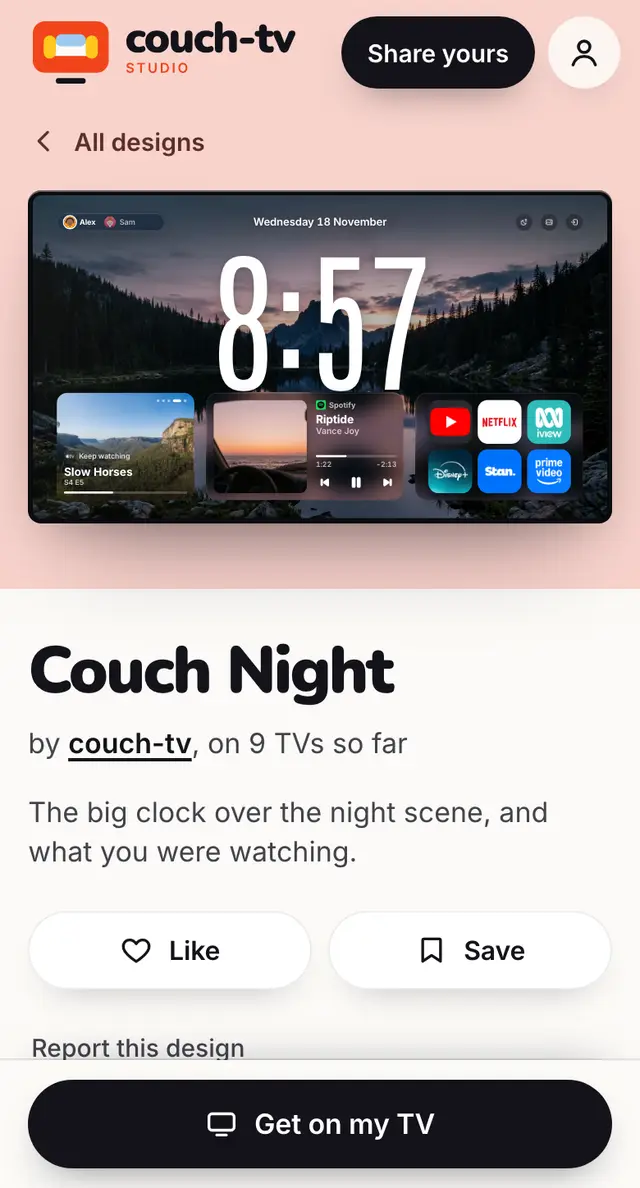
Open the design in the gallery (on your phone is fine).
Press Get on my TV. You get a short code and a QR.
On the TV: Home settings, couch-tv Studio, Get a design, and type the code.
The TV asks Use this design? before anything changes.
Want to change it first? Press Change it for my TV (or Remix in the designer), then send it from there.
Good to know
- You can get a new code whenever you like, for any of your TVs.
- Your TV needs couch-tv, which is free.
Still stuck? Ask the helper, or copy a ready question for your own AI.