
Send a design to your TV with a code
Updated .
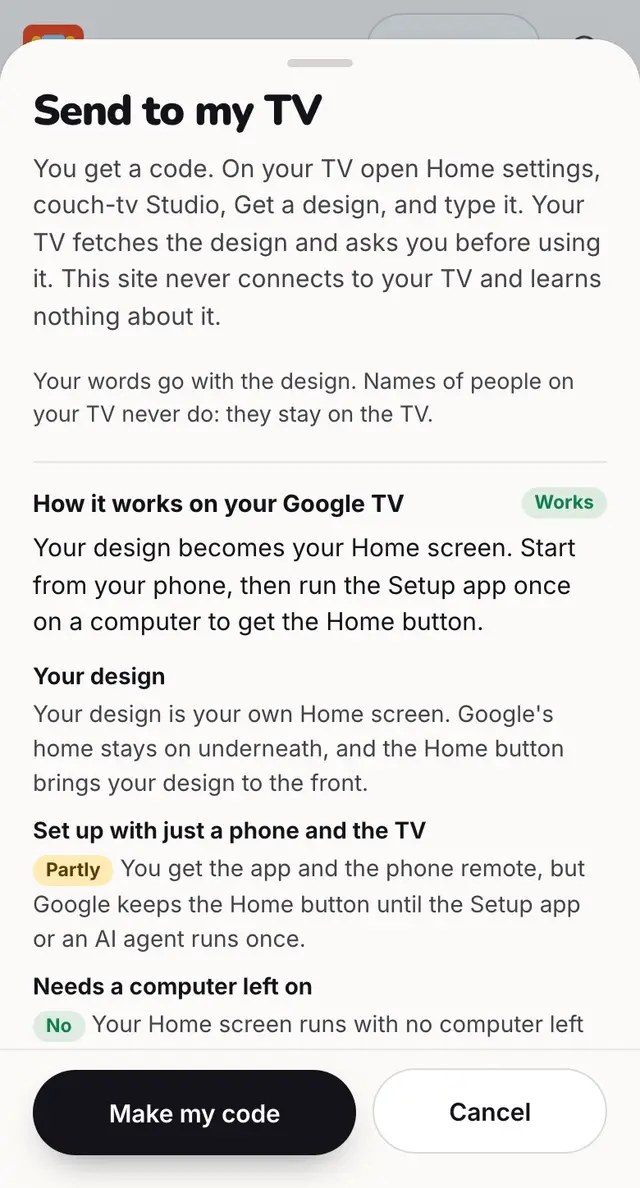
Press Send, then Make my code. On the TV: Home settings, couch-tv Studio, Get a design, and type it.
Step by step
In couch-tv Studio press Send to my TV, then Make my code.
On the TV, open Home settings (the gear tile), then couch-tv Studio.
If it is off, press Turn on couch-tv Studio. Nothing changes until you choose a design.
Press Get a design and type the code with the remote.
The TV shows the design and asks Use this design? Press Yes.
Good to know
- The short code works once, for 30 minutes. The QR code holds a long code that works for up to 7 days.
- A design nobody collects is deleted after 24 hours.
- This site never connects to your TV. The TV fetches the design by code.
- Get a design needs couch-tv 0.13 or newer on the TV.
Questions
How long does the code last?
The short code works once, for 30 minutes. The long code in the QR works for up to 7 days.
Does the site connect to my TV?
No. Your TV fetches the design by its code and asks before using it.
Can I undo it?
Yes. Home settings, couch-tv Studio, Remove the design I got, or Back to my classic home.
Still stuck? Ask the helper, or copy a ready question for your own AI.
Related
- Send with a QR code or from your phoneDesign on your phone and send from there. The QR holds a long code that works on several TVs for 7 days.
- The code does not workEach short code works once, for 30 minutes. Make a new one and type it again.
- There is no Get a design on my TVYour TV needs couch-tv with couch-tv Studio in Home settings. That is in couch-tv 0.13 and newer.