
Change which apps show
Updated .
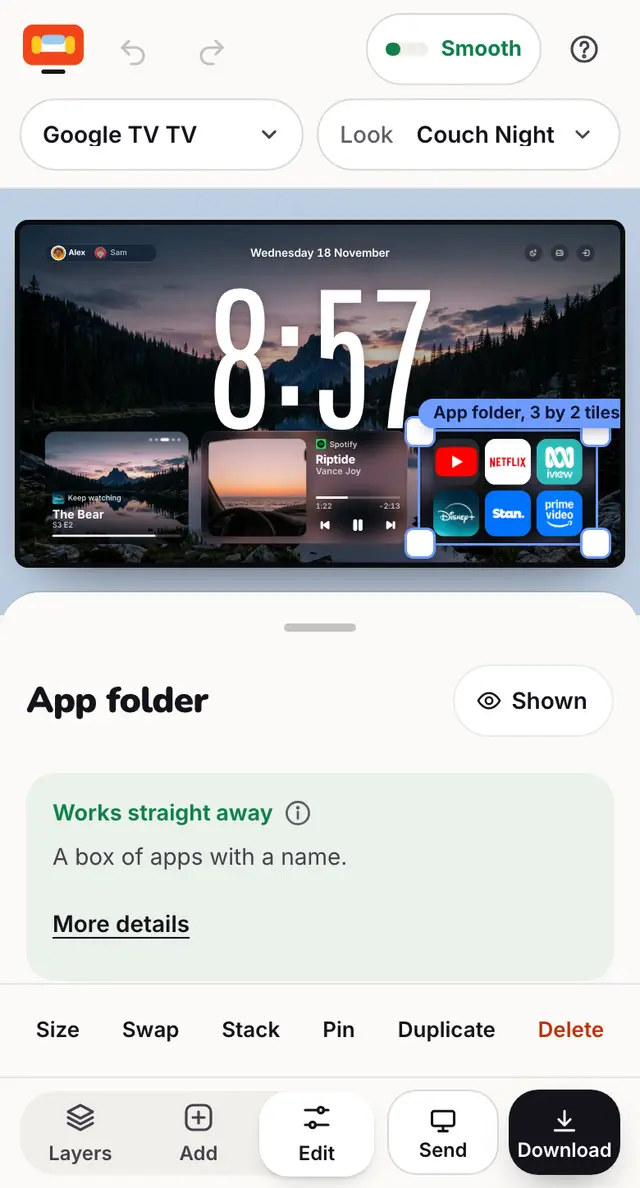
Tap the dock or an app folder, then tick the apps you want and drag them into order. You can change them on the TV too.
Step by step
Tap the dock, an app folder or an app grid on the TV.
Search for an app (like Stan or ZEE5) and tick it to add it.
Drag apps to change their order, or press the cross to take one out.
With none picked, the TV shows every app it has.
On the TV itself: hold OK on an app for Change app, Move, Remove and Add app.
Good to know
- An app that is not on your TV shows as Not on this TV until you install it.
- Hold OK on the TV needs couch-tv 0.13 or newer.
Still stuck? Ask the helper, or copy a ready question for your own AI.