
Add a widget
Updated .
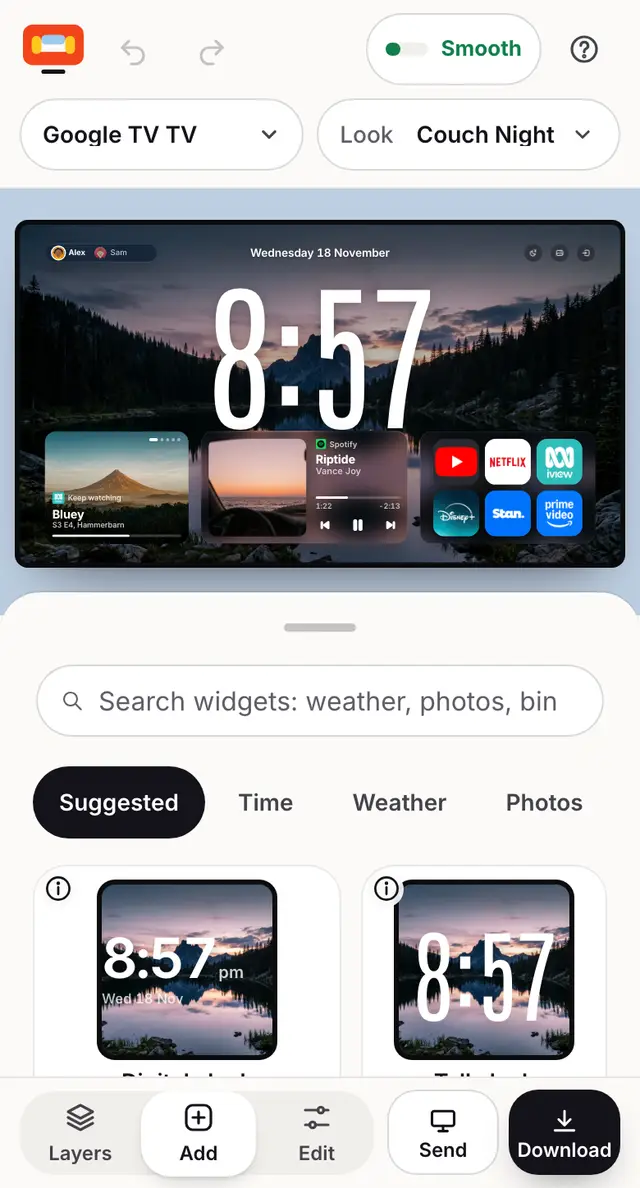
Press Add, find the widget, tap it. Then tap it on the TV to size it and see what it needs.
Step by step
Press Add at the bottom.
Search, or tap a group: Time, Weather, Photos, Watching, Apps, Music, Smart home, Lists, Info, Guests and kids.
Tap the i on a widget to see what it shows on a real TV.
Tap the widget to add it. It lands on your TV.
Tap it on the TV: the panel says Works straight away, or the steps to set it up for your TV.
Still stuck? Ask the helper, or copy a ready question for your own AI.