
Which TV do I have?
Updated .
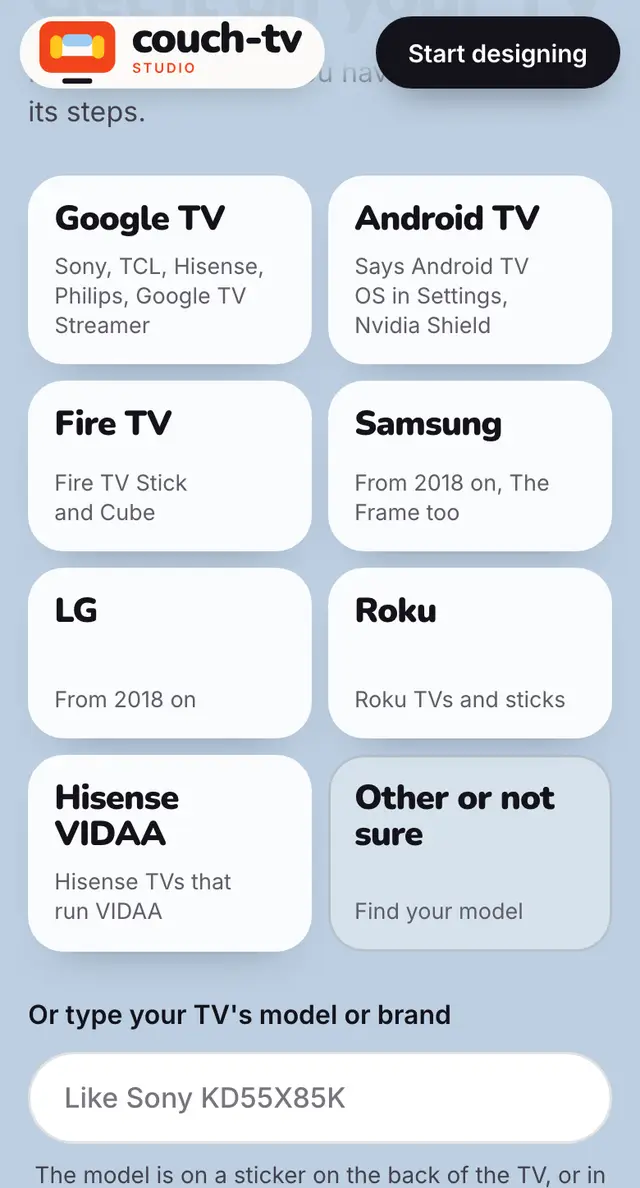
It depends on what the TV runs, not the brand. The TV's About screen tells you.
Step by step
On the TV, open Settings, then System, then About. Older TVs: Settings, Device Preferences, About.
See Android TV OS or Google TV there? Use the Google TV or Android TV steps.
Samsung from 2018 on runs Tizen, LG runs webOS, many Hisense run VIDAA.
Still not sure? Type the model from the sticker on the back of the TV into the box on Get it on your TV.
Good to know
- Plug in a Google TV box, like the Google TV Streamer, and any TV with an HDMI port gets the whole thing.
Still stuck? Ask the helper, or copy a ready question for your own AI.
Related
- Google TVYour design becomes your home screen, with just the TV remote. Google keeps its own Home button, so you open your design from Couch TV in the apps row.
- Android TVYour design becomes your home screen, Home button and all, set up with just the TV remote.
- Roku, Apple TV and other TVsOn Roku and Apple TV couch-tv draws its own home: scenes, clock, weather, Keep watching and your apps. A couch-tv Studio design needs a TV that can run a web page.