
Connect your AI
Updated .
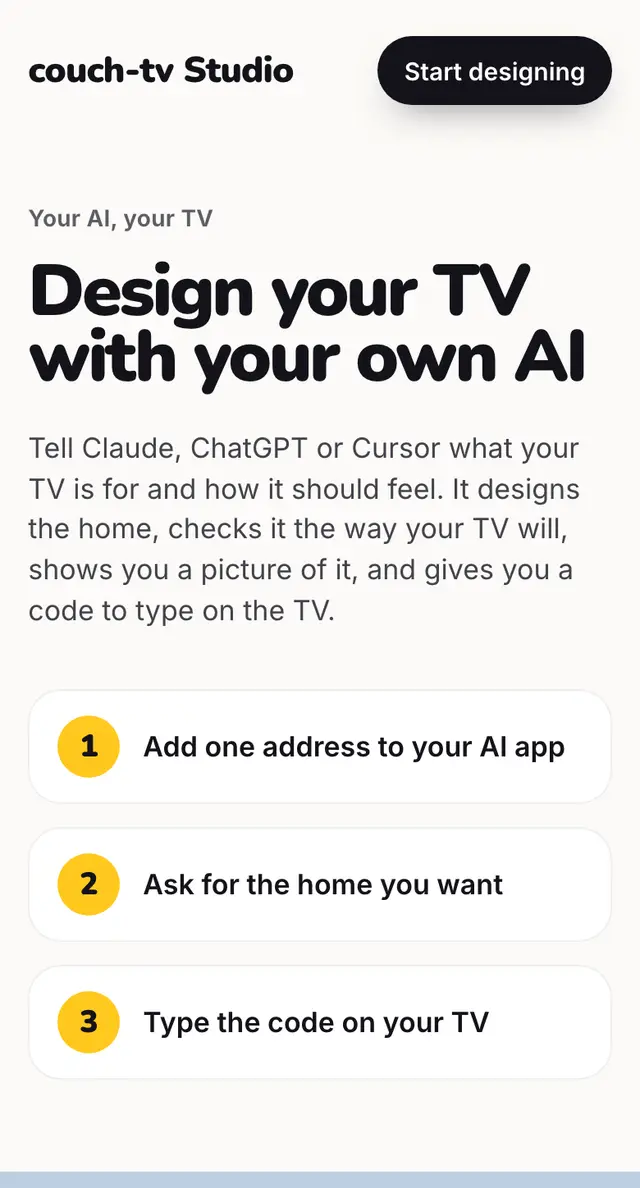
Add one address to Claude, ChatGPT or Gemini. Then just ask it for the TV you want.
Step by step
Copy the address https://couchtv.joshuaseage.com/mcp.
Claude (every plan): Customize, Connectors, +, Add custom connector. Paste it, no sign in.
ChatGPT (paid plans): Settings, turn on Developer mode, then add a custom MCP server with No authentication.
Gemini (US only for now): Settings, Connected Apps, Add a custom app.
Ask: Design my bedroom TV, black, a soft clock and the date.
Good to know
- No account needed. Your AI sees the design, nothing else, and never connects to your TV.
Questions
Which AIs work?
Claude on every plan, ChatGPT on paid plans, Gemini in the US for now, plus Cursor, VS Code and any app that takes a remote MCP address. Any other chatbot works with the copy and paste prompt.
Does it cost anything?
Not from us. It uses your own AI account.
Still stuck? Ask the helper, or copy a ready question for your own AI.
Related
- Use any chatbot, no connectorCopy our prompt into any chatbot, free ones too. Paste what it gives back into couch-tv Studio.
- Send it with your AIWith couch-tv Studio connected, ask your AI to send it. It gives you a code to type on the TV.
- Sell a design your AI madeAsk your AI to open it to sell. You check it, then sell it from your own account. Any Google Font is fine.